Bussiness account
The Assets page is your main dashboard in the Business Workspace.
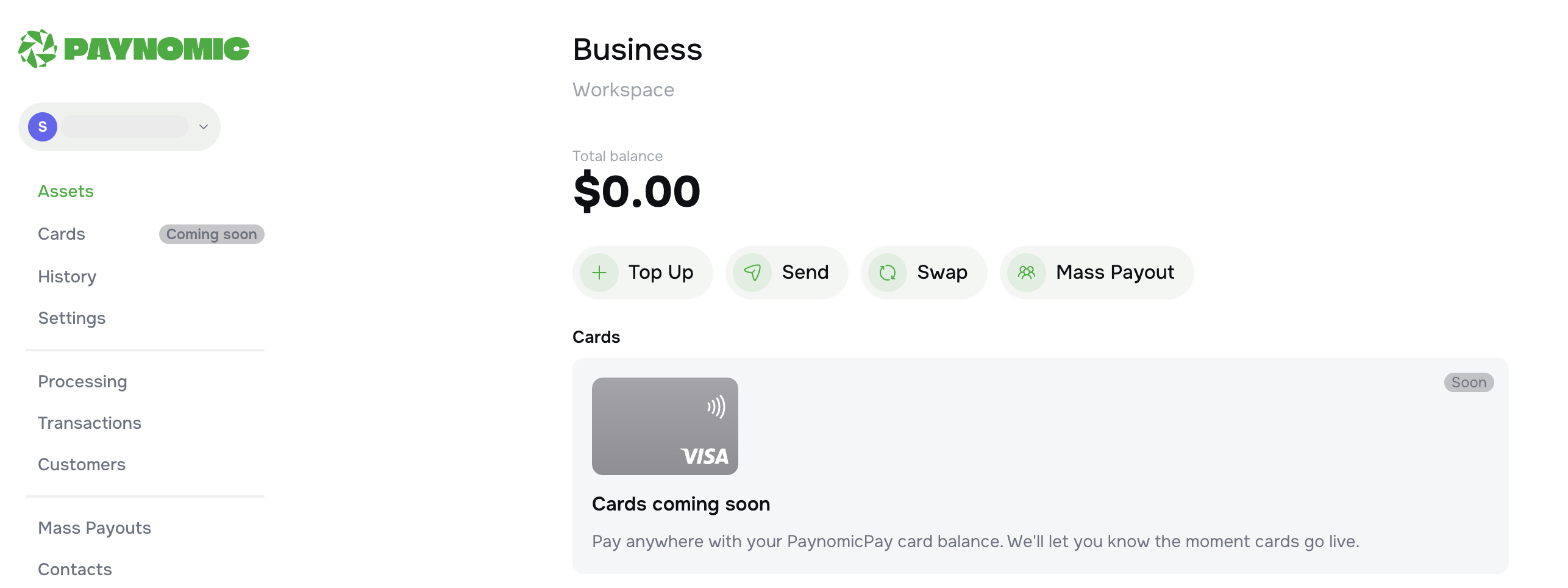
Total Balance
At the top of the page, you can see your current Total balance — the total amount of funds available in your account.
Quick Actions
Below the balance, there are four action buttons:
-
Top Up — add funds to your account
-
Send — send funds to a recipient
-
Swap — exchange between currencies or assets
-
Mass Payout — send payouts to multiple recipients at once
Cards
The Cards section is currently unavailable — status "Coming Soon".
Once PaynomicPay cards go live, you will be able to pay anywhere Visa is accepted using your account balance. You will be notified as soon as cards become available.

